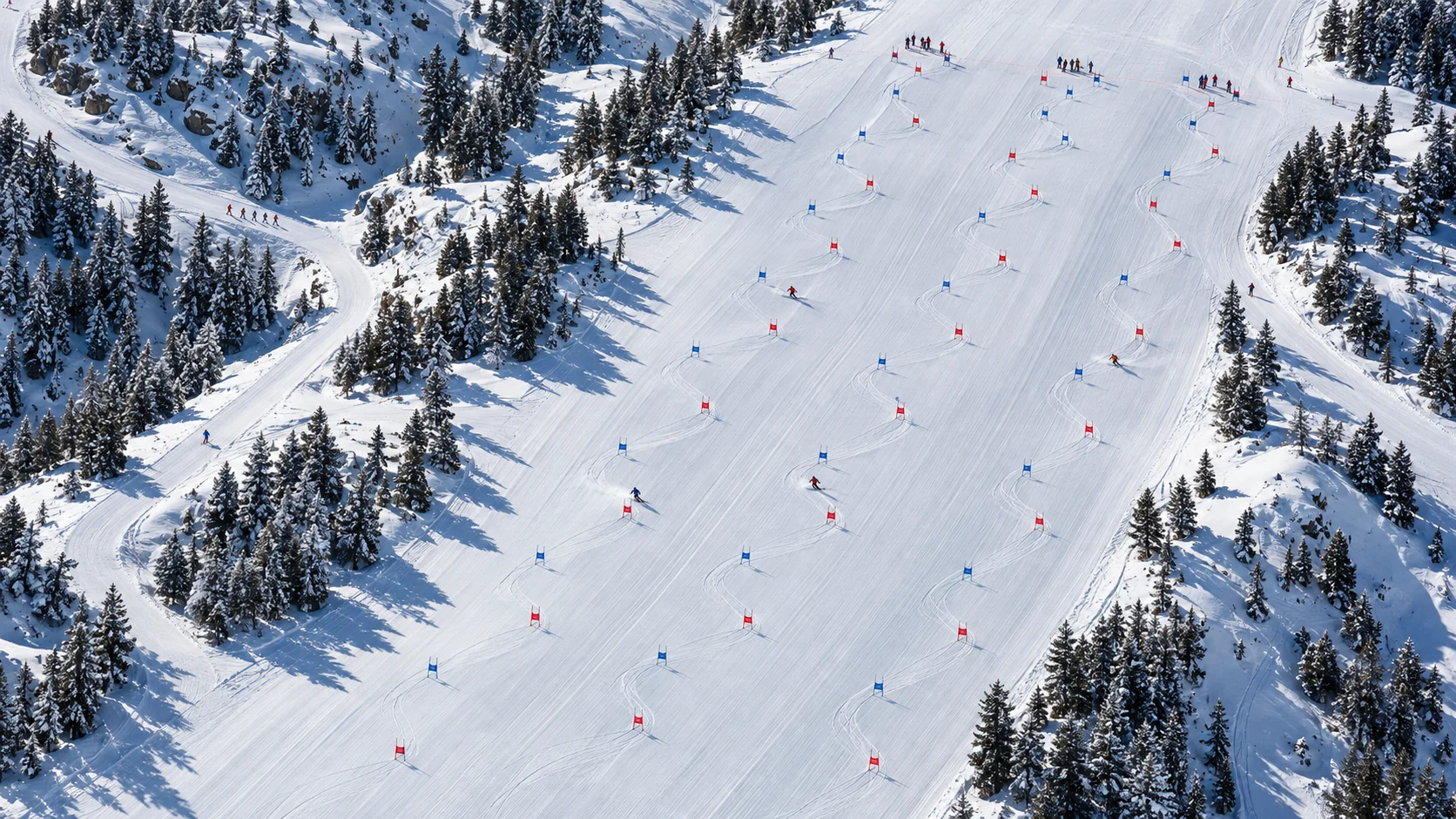
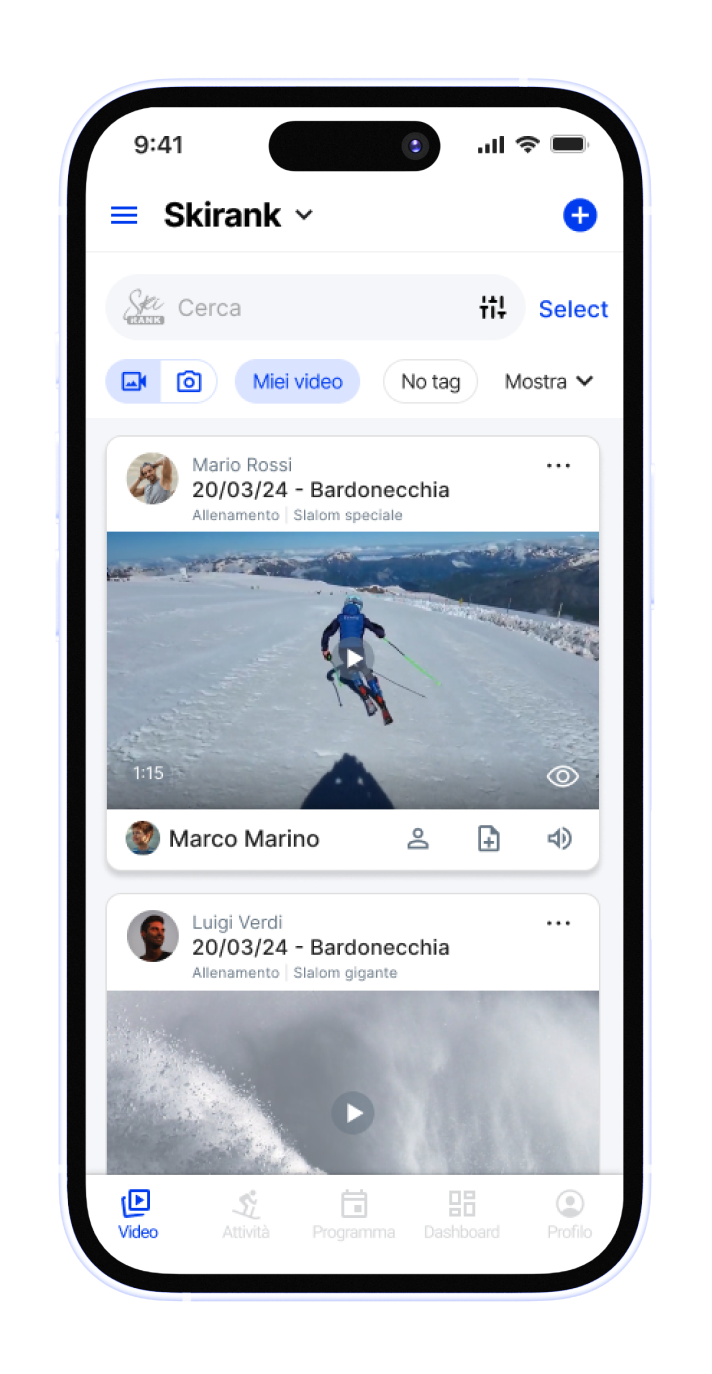
Upload and find videos
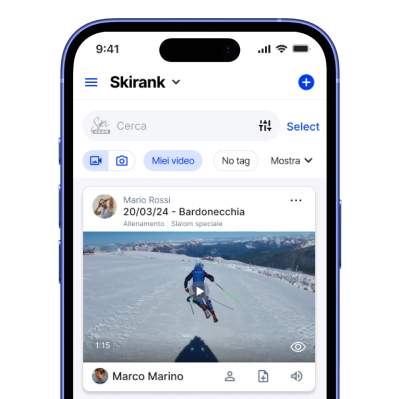
Tag athletes in videos and photos. Find content using filters for date, location, coach and activity type.

Upload athlete videos, schedule training and collect attendance responses. Coaches, athletes and families can find the content shared by the club in the app.
Supporting ski clubs since 2020.
IN THE SAME APP
A video on a coach’s phone, attendance responses in a chat, the schedule in a spreadsheet: finding information takes time.
Schedules and videos stay connected to the club’s work. Families check upcoming events; athletes review the guidance shared by their coach.
WHAT YOU CAN DO
Schedules, attendance responses and video analysis: see what you can manage.
Tag athletes in videos and photos. Find content using filters for date, location, coach and activity type.
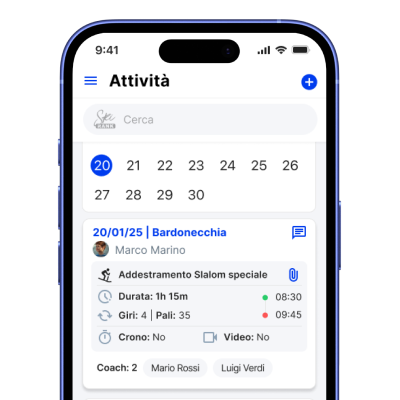
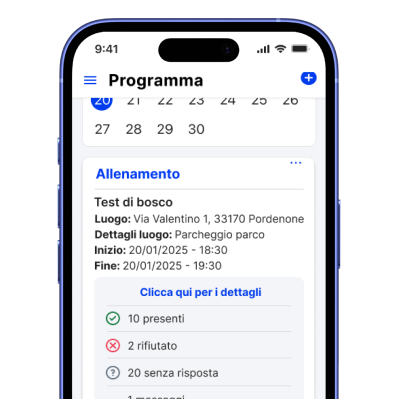
Publish training sessions, races and trips with dates, locations and participants. Athletes respond in the app and the club can see who has signed up.
Slow down videos, move frame by frame and compare two runs. Add drawings to explain technique.
The coach adds written or audio notes to a run. The athlete can review the video together with that feedback.
A TRAINING SESSION WITH SKIRANK
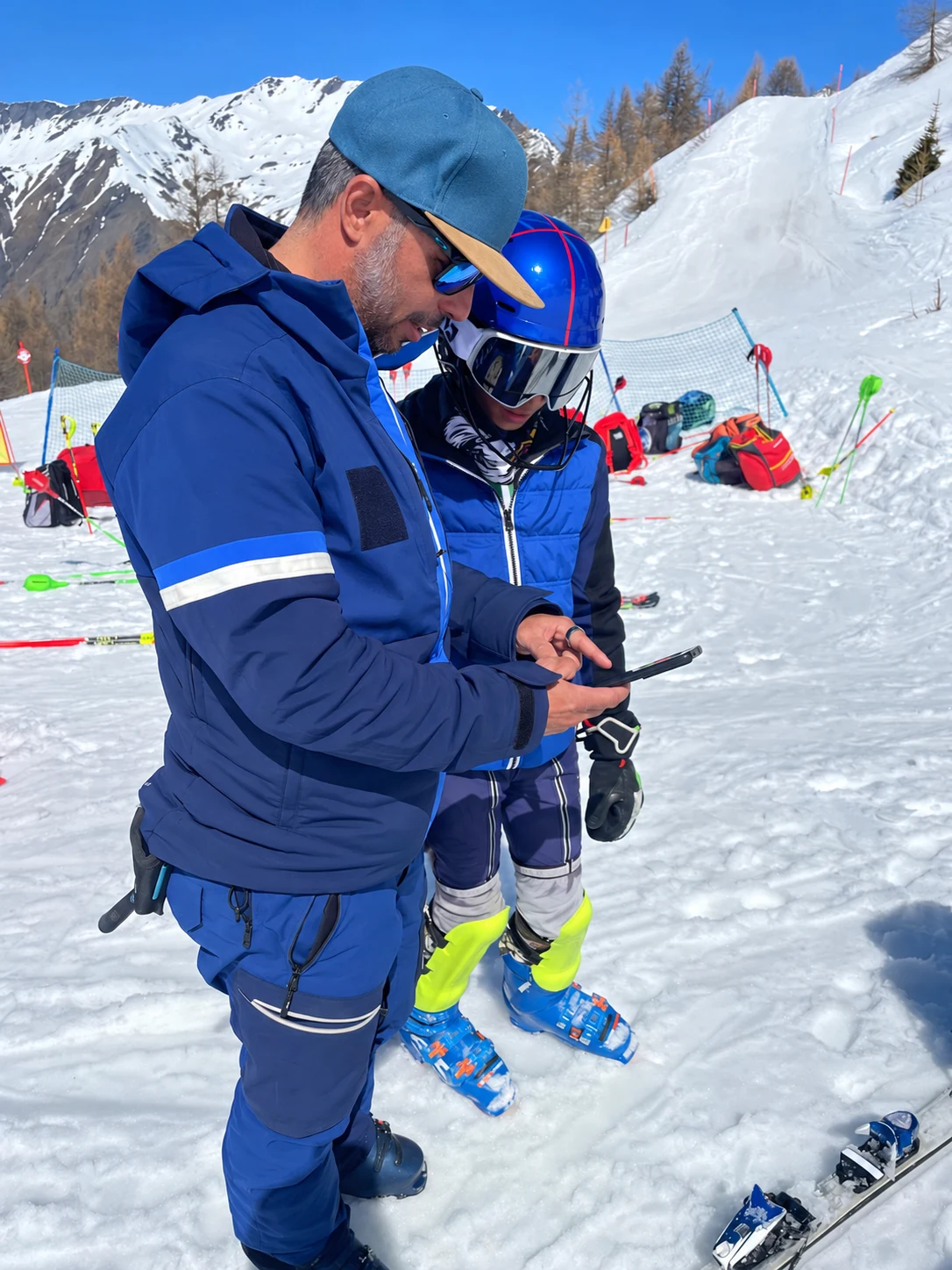
Schedule training and check attendance responses. Record the session and tag athletes in their videos. After training, review runs and add your feedback.
DOWNLOAD THE APP
Try it free for 30 days. If you do not activate a subscription, the service is automatically suspended when the trial ends.


WHO IT’S FOR
Coordinate coaches and groups, collect event responses and share videos and information with athletes and families.
Explore Skirank for clubs COACHES · COACHING STAFFUpload videos, add notes and compare runs to explain what to work on.
Explore Skirank for coachesIf your club uses Skirank, you can find the videos shared with you, check activities and review your coach’s feedback.
Your club doesn’t use it yet? Contact us: we can help you introduce Skirank to your coach or club manager.
ALREADY IN USE

“A shared video database for high-level ski clubs. Useful for athletes and parents: videos remain available to review throughout the season.”
“The best app for skiers. It lets you save your runs and track improvements over time.”
“Practical and fast for coaches and ski clubs. It helps you plan systematically and compare training data from season to season.”
PRICING FOR CLUBS AND COACHES
Standard price: €3 per athlete per month, excluding VAT, billed annually. Club coaches, staff and administration are included at no additional cost.
SEE SKIRANK IN ACTION
Tell us how your club works. In a demo, we’ll go through creating the club, inviting the team and trying activities and videos.
The club administrator registers and creates the club. Anyone joining an existing organisation can use an invitation or request to join.
Send invitations and manage requests to join. Assign staff roles and connect athletes and families to the club.
Schedule training, collect attendance responses and upload your first athlete videos. Try the service with your own group.