Link each video to the athlete
Upload videos and photos, tag one or more athletes and add the date, location, discipline and activity.

SKIRANK FOR COACHES
Upload videos, link them to athletes and sessions, slow them down, compare two runs and add written or audio notes. All in one place.
For coaches, coaching staff, small groups and academies
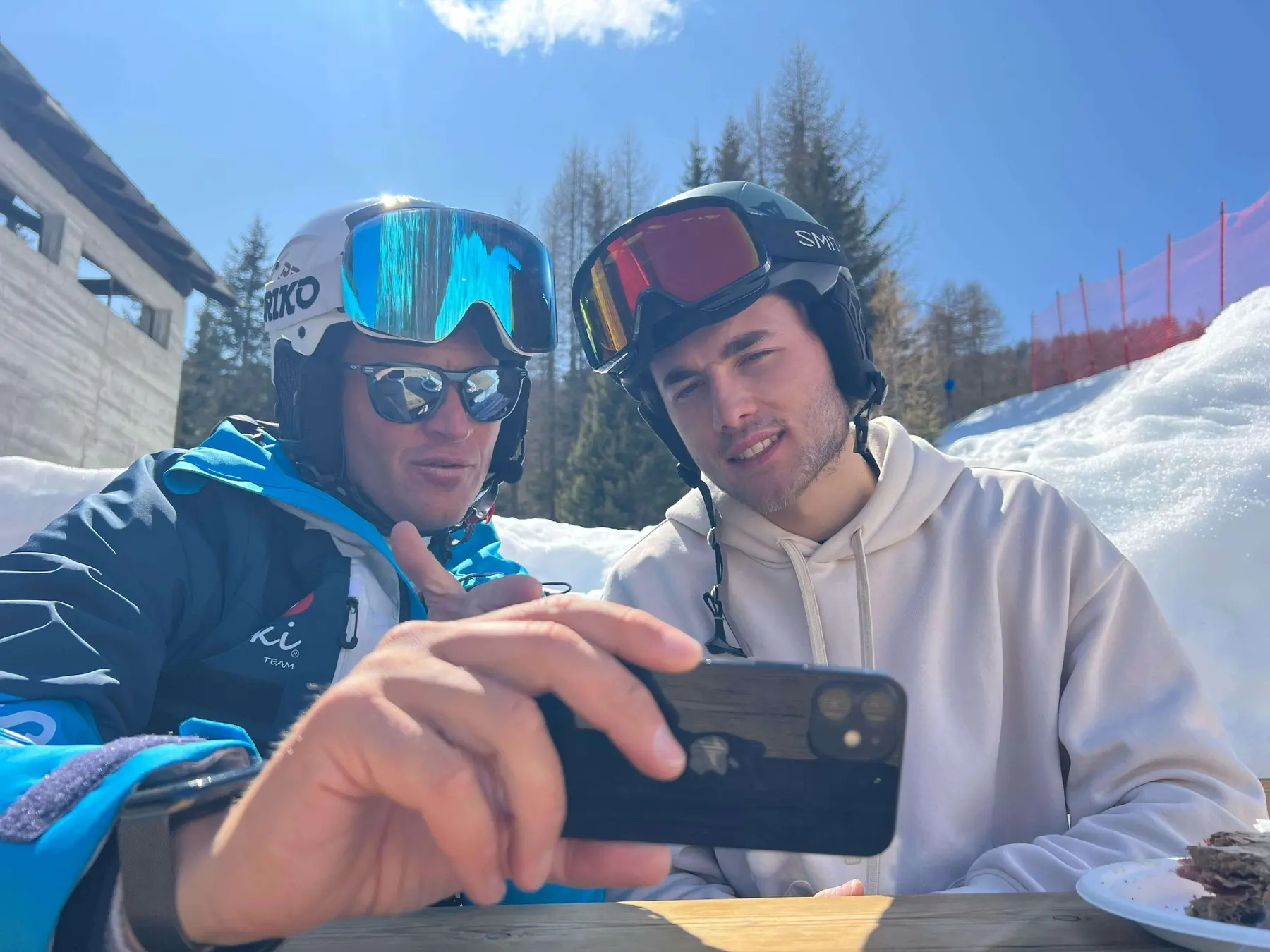

FROM YOUR PHONE TO USEFUL FEEDBACK
To explain a movement, you may need today’s run, one from January or the coach’s reference video. Skirank lets you filter content by athlete, date, location, coach and activity, then reopen the comparison when you need it.
DAY-TO-DAY COACHING
From recording a session to reviewing it with the athlete, every item keeps the context needed to find it and use it again.
Upload videos and photos, tag one or more athletes and add the date, location, discipline and activity.
Filter by athlete, season, date, location, coach, activity or discipline instead of scrolling through your phone.
Create training sessions, races and technical sessions with athletes, coaches, disciplines and day details.
Review technique in slow motion or frame by frame and place two videos side by side to show the differences.
Add written or audio notes to the content so the athlete can find the video together with your feedback.
Organise athletes into groups and keep sessions and content available in the same shared environment.
THE COACHING WORKFLOW
Add athletes, coaches, location, discipline and session information.
The video joins the athlete’s collection with the context in which it was recorded.
Slow down, find the useful frame and place a second run beside it.
Add a written or audio note and give the athlete a clear reference to review.
VIDEO ANALYSIS ON THE SLOPES
The technical player lets you work on the useful frame and put two runs side by side. The video stays linked to the athlete and session, together with the coach’s guidance.
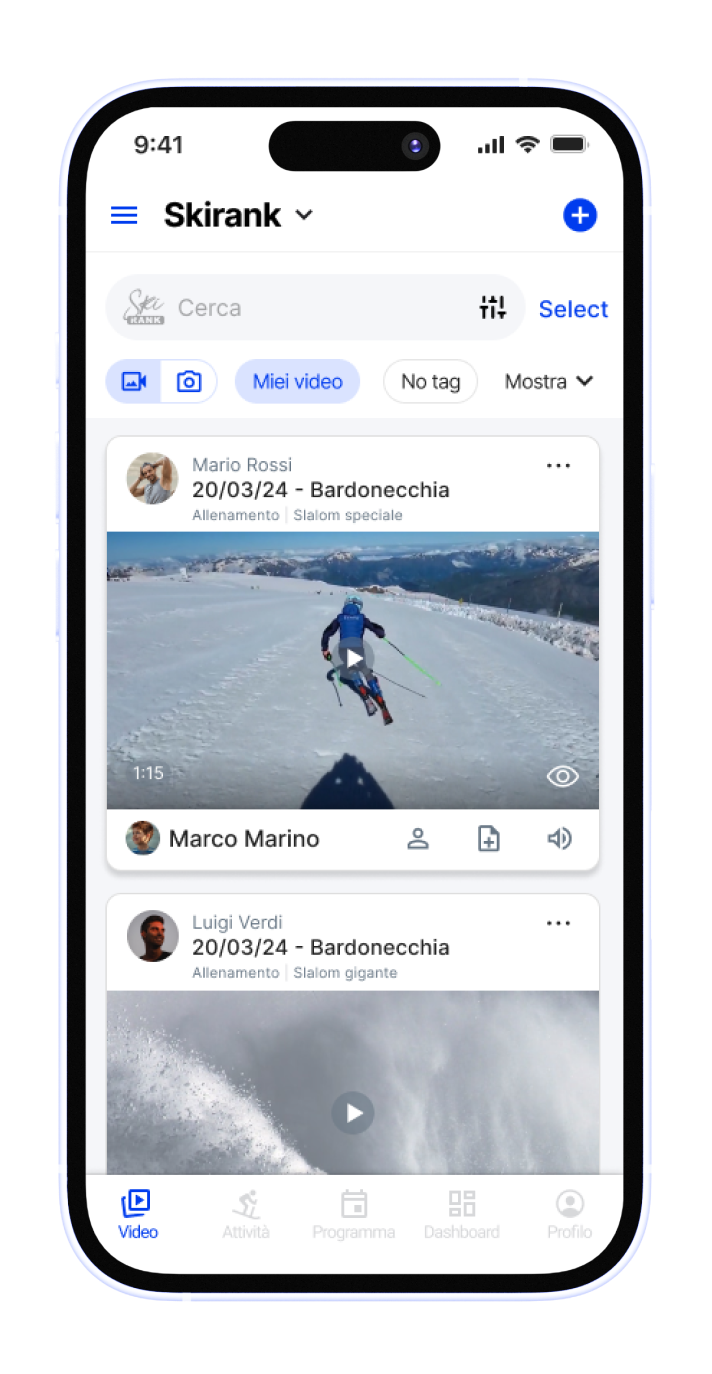
Download Skirank PRO to record sessions, upload videos and review them with your athletes.


Testimonials translated from Italian.
“A shared video database for high-level ski clubs.”
“Practical and fast for coaches and ski clubs.”
“It lets you save ski runs and track improvements over time.”
COACH PLAN
For coaches, professionals, small groups and academies. Excluding VAT and billed annually.
BRING A REAL EXAMPLE
In the demo, we start from the way you work and show you how to organise, analyse and share technical content.
Free 30-day trial. If you do not activate a subscription, the service is automatically suspended when the trial ends.